How live order tracking works

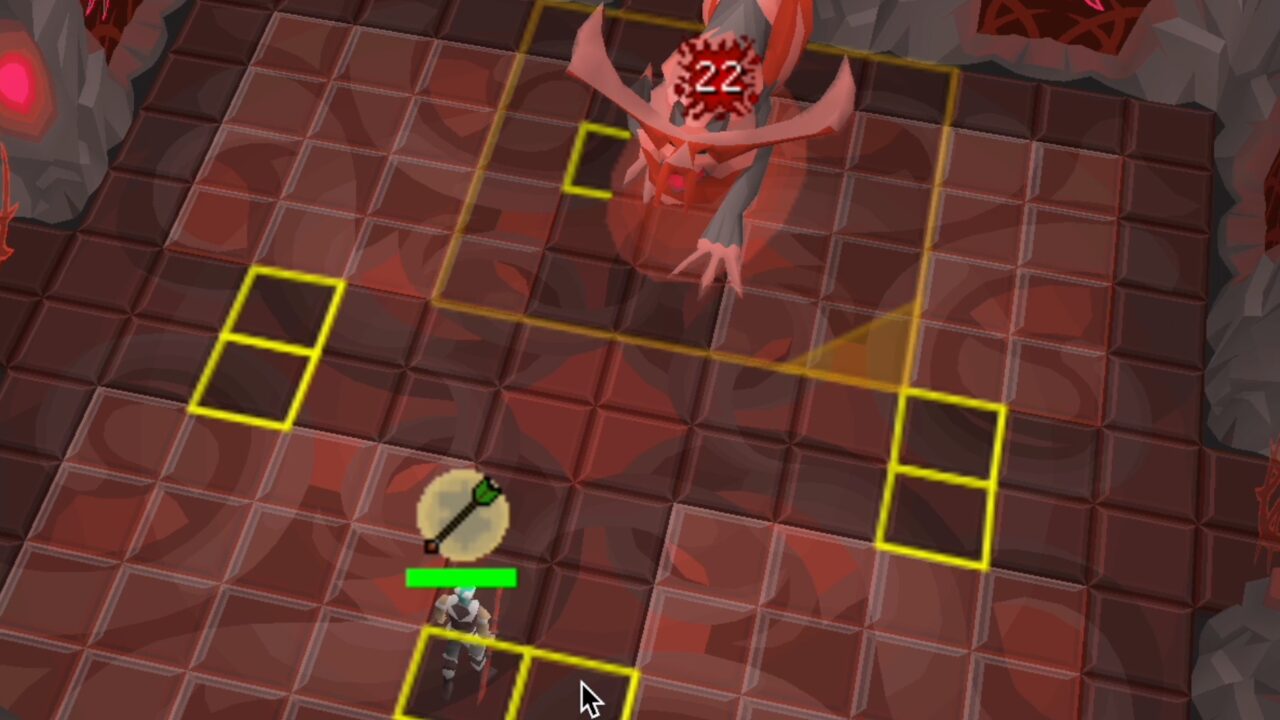
Every order comes with a private live-view link, available to you on Discord or live chat when work starts. It shows a screenshot of your account getting trained every three seconds while they're playing and pauses between sessions. Nothing is shown publicly, and the screenshots are deleted when the order completes.

What the live view looks like

A recorded example, so you can see the format before you order. It is not a live feed.

Recorded example of the live view: a screenshot of an account getting trained on a real orderLive 📸 New Shot Every ~3sTracked Live
Six frames from a real order, replayed. Your own link shows your trainer's client in real time.

Point by point

What you get, what it shows, and what it does not do.

What you get

A private link for your order, available to you on Discord or live chat when work starts. Discord tickets also get automated progress updates, and more on request; live-chat orders get updates on request and an email when the order is complete.

What it shows

A screenshot of your account getting trained, taken every three seconds while they're playing, so you can follow what is being done on your account as it happens.

Pauses and offline states

The view pauses between sessions and while your trainer is offline, and the order pauses with it. On multi-day orders your trainer plays at least six hours per day. Need to log in yourself mid-order? Ask on live chat or in your ticket and we pause the work.

Privacy

Nothing is shown publicly: the link is for your order only, and the screenshots are deleted when the order completes. Your login details are seen by your trainer only and deleted right after the order. The completed-order screenshots you see on this site are a separate record: proof images your trainer posts at the end of an order, checked before they are published.

Using Parsec for remote connection

Available on almost every service as the alternative to sharing your password. Parsec is a remote-desktop app, like TeamViewer but built for games. Your trainer connects to your own PC and plays there, so your password never leaves your machine. It needs a stable connection, and an extra charge may apply depending on the service; this is confirmed in chat before you order.

Limitations

It is a screenshot stream, not a video, and it only runs while your trainer is playing. Completion proof is always posted in your Discord ticket and provided on request for live-chat orders.

Live tracking FAQ

When work starts. It is posted in your Discord ticket, or we send it on live chat if you ordered there. Most orders start within an hour of confirmation, and every order starts within 24 hours; you get an exact ETA on live chat before we begin.
No. Nothing is shown publicly. The link is for your order only, and the screenshots are deleted when the order completes. Your login details are seen by your trainer only and deleted right after the order.
The live view pauses between sessions and the order pauses with it; both resume when your trainer is back. On multi-day orders your trainer plays at least six hours per day.
Yes. Ask on live chat or in your Discord ticket and we pause the service so you can. Logging in without telling us can interrupt the trainer's session and delay the order.
On almost every service you can choose Using Parsec for remote connection instead. Parsec is a remote-desktop app, like TeamViewer but built for games. Your trainer connects to your own PC and plays there, so your password never leaves your machine. It needs a stable connection, and an extra charge may apply depending on the service. This is confirmed in chat before you order.

Ready to order?

Browse the services, or join the Discord and ask the team first. Support is on live chat, Discord and support@tonsofxp.com, 24/7.